

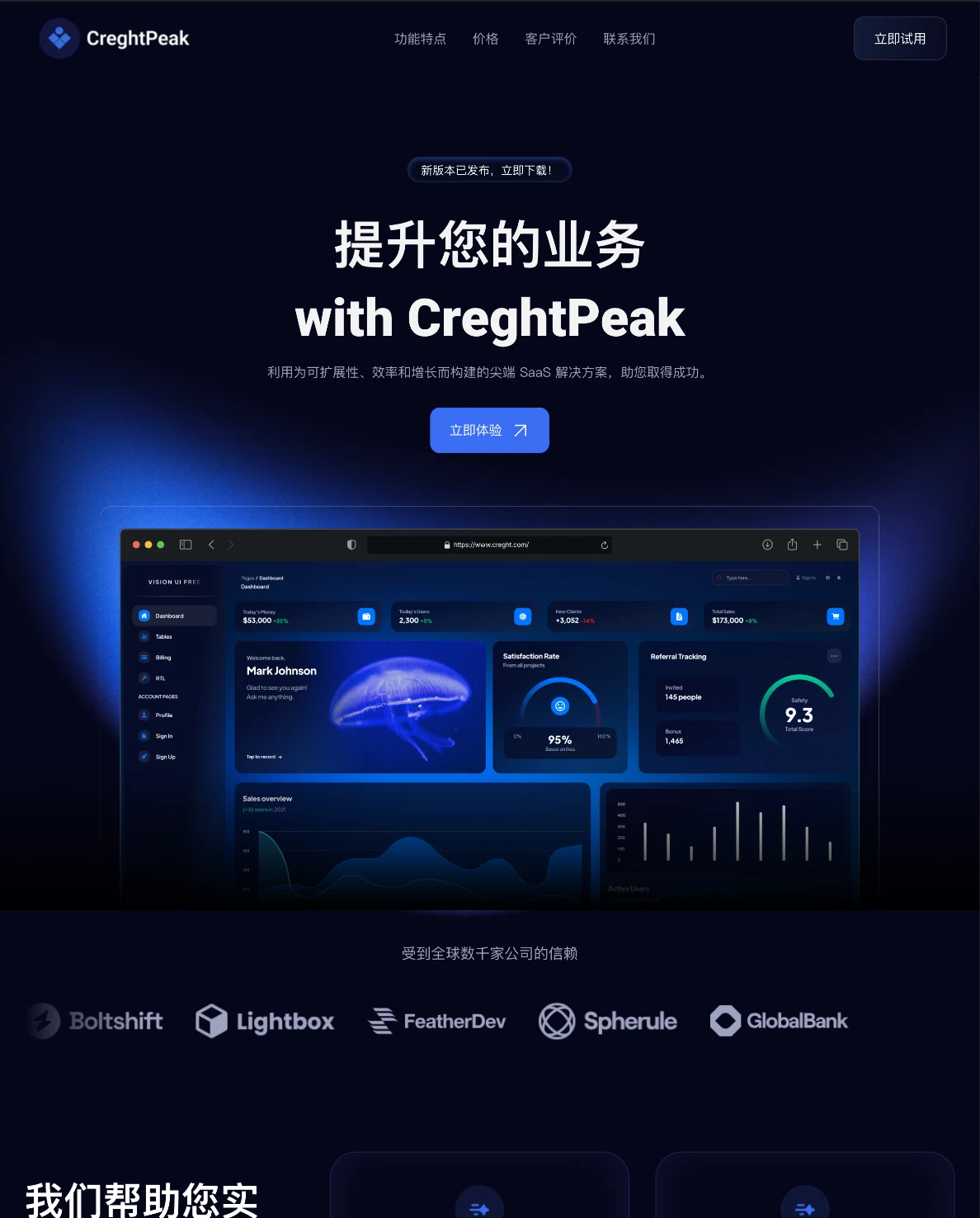
Template preview
The product launch
Lead with a clear promise, show the product, and give visitors a next step.
Your product. Your story. Your website.
Turn your product brief into a website. Create the pages you need, make them your own, and publish with Creght.
AI generation · Continued editing · Your own domain
Made for your next launch
From your first waitlist to a full product website. Explore different ways to tell your story.
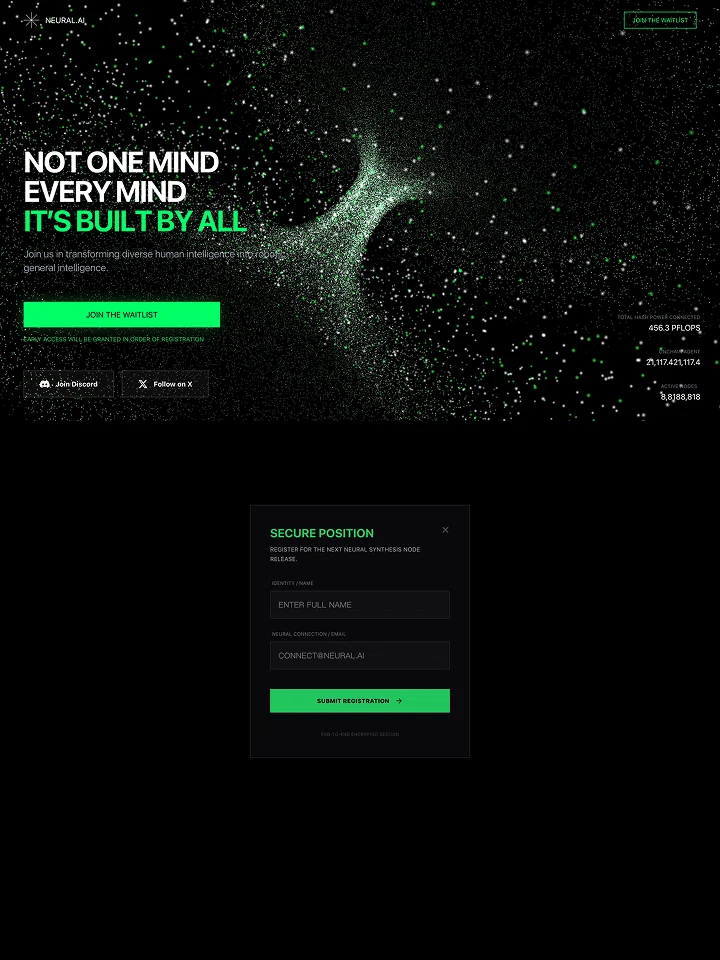
Template preview
Lead with a clear promise, show the product, and give visitors a next step.
Template preview
Introduce a new idea and invite people to hear about your launch.
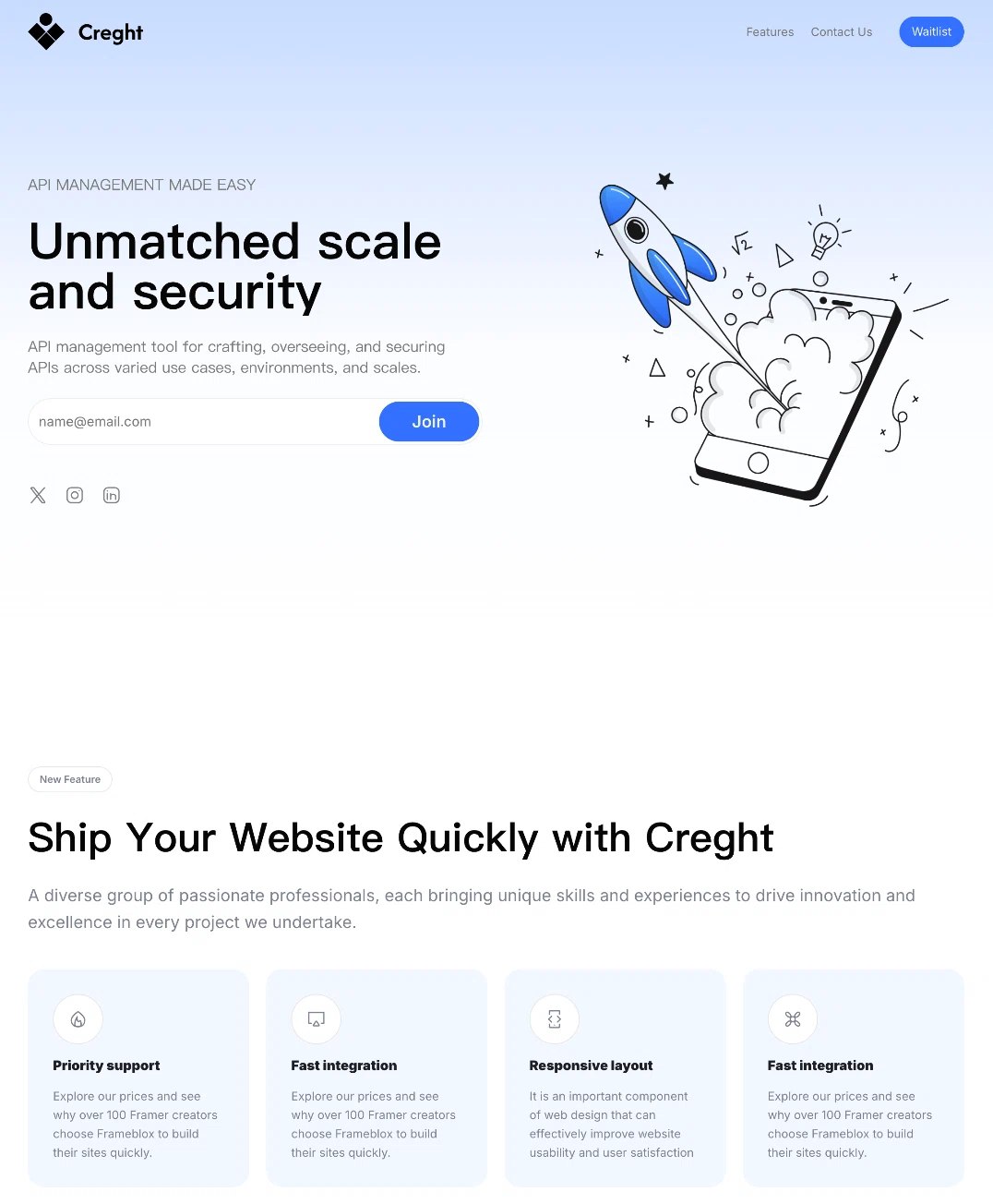
Template preview
Explain a technical product with a focused headline and a simple call to action.
Design examples from the Creght template library. Names, numbers, and logos inside the previews are sample content.
Explore SaaS templatesGive every part of your story its own space. Choose the pages that make sense for your launch.
Introduce your product, show who it is for, and make the main action easy to find.
Explain the features through the tasks your audience wants to complete.
Present the plans, features, and limits you actually offer.
Connect your product to the problems of a role, team, or industry.
Give interested visitors a simple way to reach the right person.
Create a home for product guides, educational content, and updates.
These are suggested structures. Tell AI which pages you need, then review and refine the result.
Start with what you know about your product. Build, refine, and publish in one place.
Share your audience, key features, page list, and preferred style. Add reference images or existing material to guide the first version.
Check the copy and layout. Edit supported text and images directly, or ask AI to change a section, refine the design, or add a page.
Check mobile layouts, links, and forms. Configure your search settings, publish the site, and connect your custom domain with HTTPS.
Built to keep evolving
Your product will change after launch. Keep your website in step with it, from small copy updates to a new feature page.
Explore AI and direct editingChange supported text and images directly without using AI credits.
Replace product screenshots and explain the details of a release.
Ask AI to add pages or reshape your layout. AI work uses credits.
Bring your website, product, and audience together with the right setup.
Configure a form for the information your team needs, or link to your booking page.
Send trial and sign-in buttons to your existing SaaS application.
Manage page titles, descriptions, sitemap, and robots settings.
Connect a custom domain with HTTPS and configure additional language versions.
Start with a better brief
Use this starter prompt, then replace the product details with your own. The more specific the brief, the more useful the first version.
Use this promptReplace sample details with your product facts before generating.
A clear path to publishing
AI generation and editing use credits. Publishing features and allowances depend on your plan. See current pricing and in-product allowances before you launch.
A SaaS website builder helps you create the public website for your software product: the pages that explain features, present pricing, and guide visitors to a demo or trial. Creght uses AI to create and edit these pages from your brief.
Yes. Describe your product, pages, and preferred style, then refine the generated website through AI requests and supported direct editing. Review content and test links and forms before publishing.
Yes. Creght supports multi-page website generation and continued editing. Refine existing pages or add pages as your product and content develop.
Yes. Creght supports custom domains, HTTPS, page titles and descriptions, sitemap, and robots settings. Check your current plan requirements and complete the relevant setup before launch.
You can configure a website form or link buttons to your existing application or booking page. Test each destination and submission flow before publishing.
This page focuses on your product’s public website. Creght also supports website backend workflows and authentication. Product-specific logic, subscription billing, and third-party integrations need their own requirements, configuration, and testing.
Generation and AI editing use credits, while publishing features and allowances depend on your plan. Supported direct text and image edits do not use AI credits. See the current pricing and in-product allowances for the options available to you.
Start with your product brief, create your first version, and keep shaping it as your product grows.
Render diagnostics