
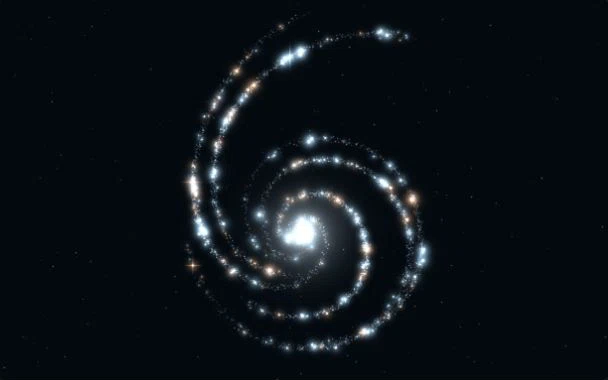
 Preview effect
Stellar Spiral
EffectBlue and amber starlight follows spiral arms, adding depth to AI and technology websites.
Effect / PARTICLE
Sample an icon or silhouette into particles for an expressive brand reveal.
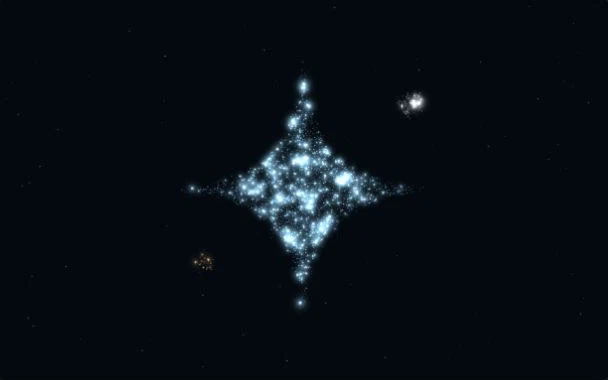
Static preview is active. You can choose to enable motion.
Preview settings
Changes apply to this preview only. Mobile devices use fewer particles.
The demo samples a public star-shaped icon into particles while preserving its colors. Simple logos, product symbols and high-contrast silhouettes work best; detailed photographs may be harder to recognize.
Choose a clear silhouette on a transparent background. The CMS sample must allow cross-origin sampling. Upload assets you have permission to use and avoid inaccessible third-party URLs.
Sampling starts after the detail preview loads. A static cover remains available if the image cannot be read or WebGL is unavailable, while text and CTAs stay usable.
Create a particle hero for a product website using the Image Particles concept. Use a #03090e background with #a9dbff blue and #ffa66b amber, mode image, about 12000 particles, speed 1, size 1.3 and glow 0.8. Sample the CORS-enabled image at https://fsu.creght.com/site/2066727200882692096/1788850063911__particle_sample.svg and retain its colors. Add a real HTML headline, value proposition and CTA outside the canvas, then navigation, features, proof and contact sections. Reduce density on mobile. Support reduced motion, manual pause, offscreen suspension and a static WebGL fallback. This is a requirements prompt, not a source-code import; refine the generated result.
You can select and copy this prompt manually. Temporary preview settings do not automatically update the prompt.
Preview effectBlue and amber starlight follows spiral arms, adding depth to AI and technology websites.
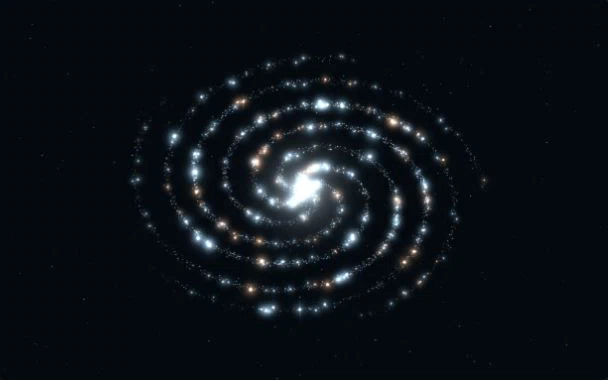 Preview effect
A tilted galaxy disk with flowing starlight, made for immersive product launches.
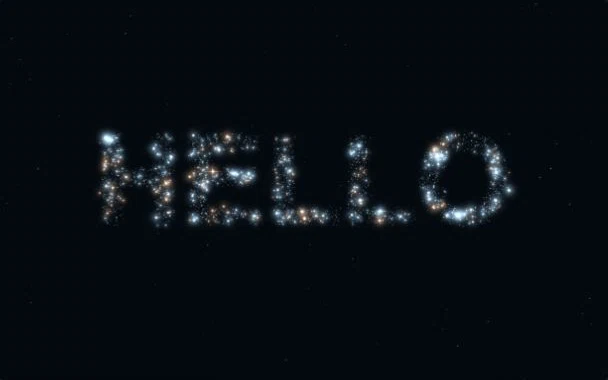 Preview effect
Turn a brand name or short statement into glowing particles for launches and creative portfolios.
Render diagnostics