
Integrations: Connect Resend Once, Send Email and Codes from Func
The editor adds an Integrations panel. Connect Resend and use ctx.email in Func for transactional email and verification codes; the credential stays on the server, and expiry, single use, constant-time comparison, attempt caps, and rate limiting are guaranteed by the platform.
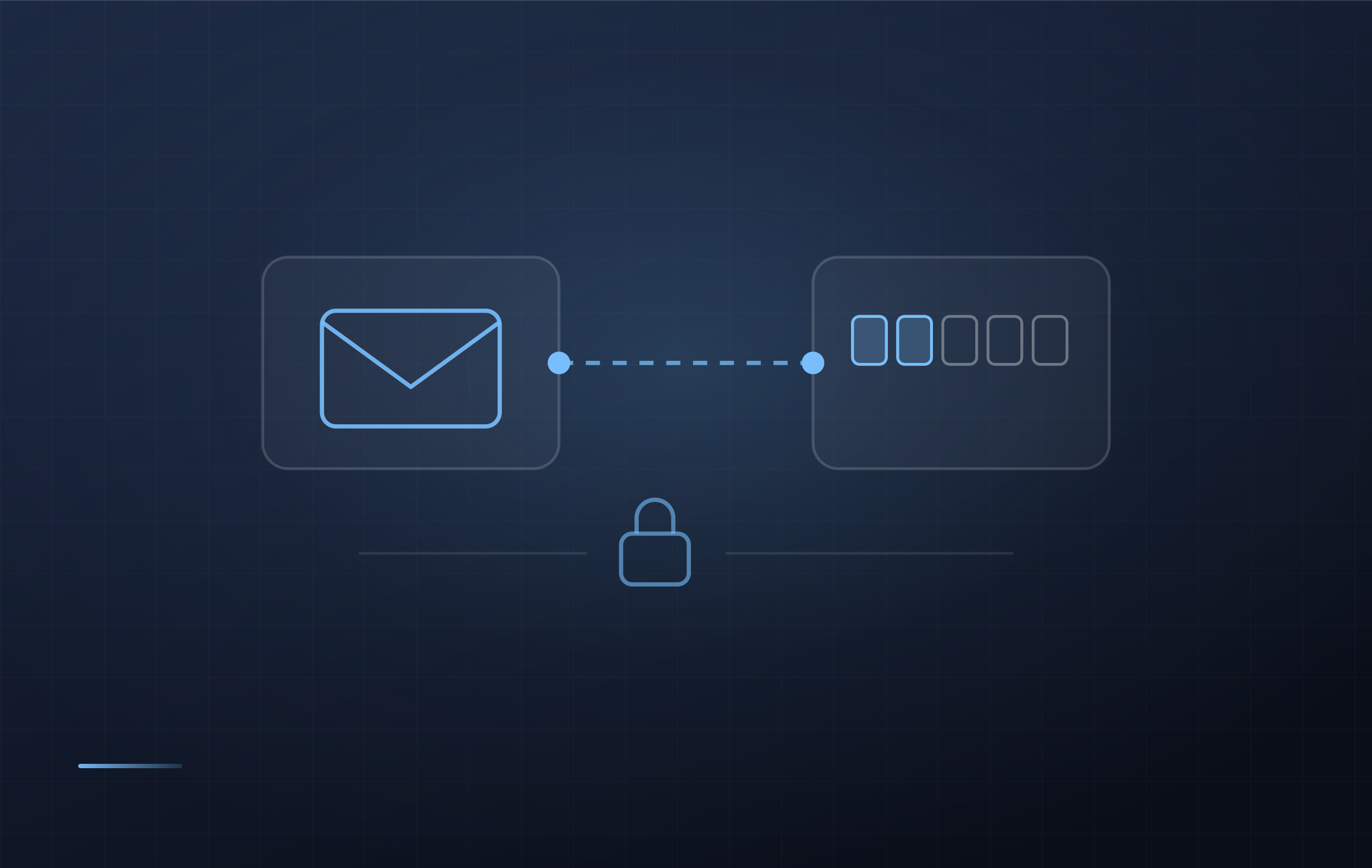
Sending a verification code looks simple: generate six digits, store them, compare. But whether the random source is strong enough, whether the code expired, whether it can be reused, whether the comparison leaks a prefix through timing, how many wrong guesses invalidate it, and whether one mailbox can be flooded — get any one of those six wrong and it is a real security problem, one that usually raises no error and just quietly makes you insecure.
So this release does not just add a "send email" call. It finishes the job: connect Resend once in the editor, send a code from Func in one line, and let the platform guarantee the parts that are easy to get wrong.
Connect it once in the editor
The editor's Backend → Integrations panel is new. When you paste a Resend API key and save, the platform actually calls Resend to validate it — an invalid key fails right there instead of returning 403 at send time in production.
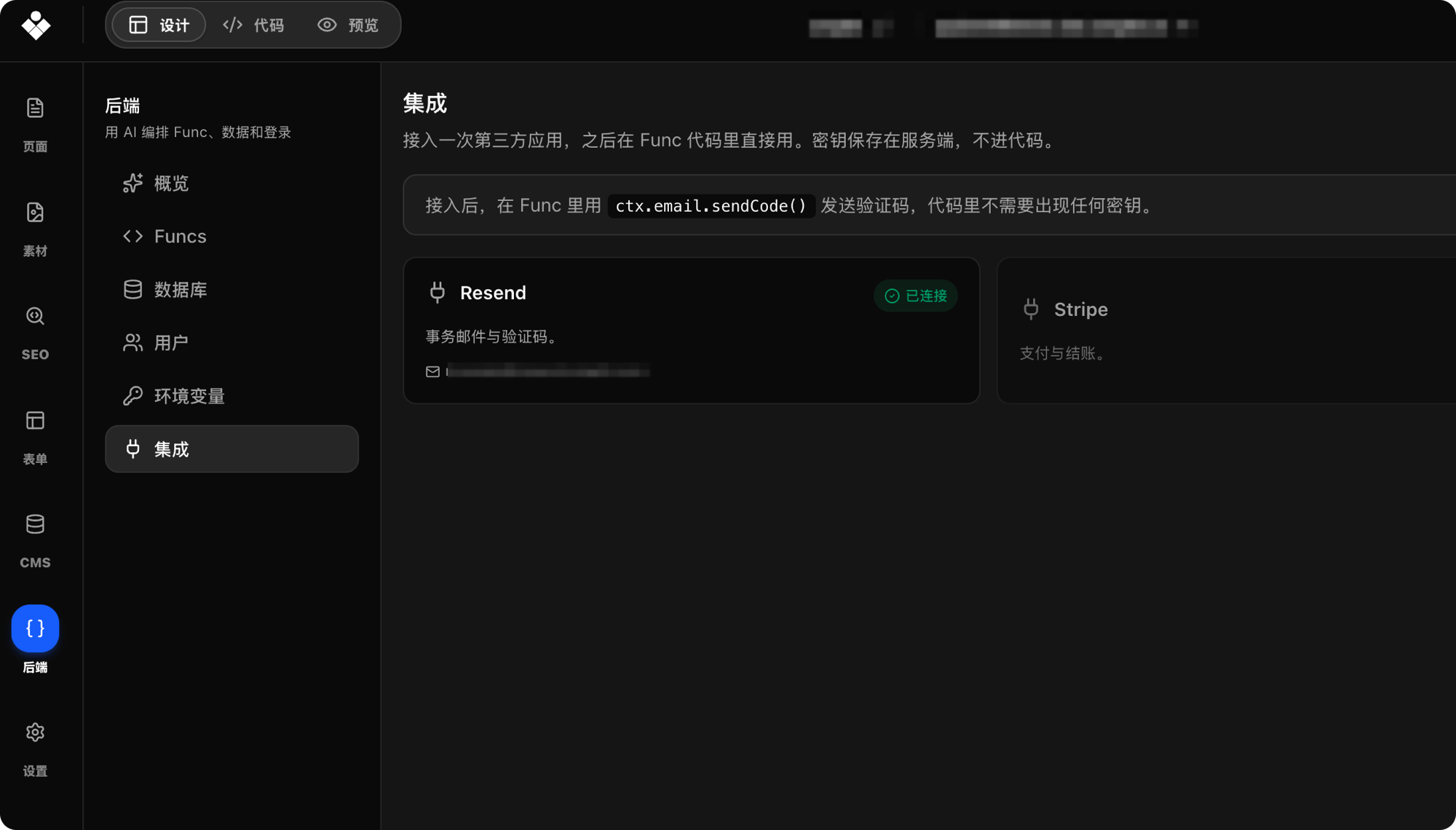
Once validated, the platform reads back the verified sending domains from your Resend account so you pick an address instead of typing one that may not be able to send at all. When it is configured you can send one real test email, which turns "is this set up correctly?" into something you can see immediately.
The credential stays on the server. It never enters the Func sandbox and never appears in your code, logs, or return values.
Three methods on ctx.email
Send an ordinary message:
ctx.email.send({ to: "someone@example.com", subject: "New booking", html: "<p>…</p>" })
Send and verify a code:
ctx.email.sendCode({ to: input.email, scene: "login" })
const ok = ctx.email.verifyCode({ to: input.email, scene: "login", code: input.code })
scene namespaces codes by purpose, so a login code and a password-reset code for the same address never collide.
What you no longer write
A 6-digit random code, with configurable length.
10-minute expiry, configurable up to 60 minutes.
Single use: consumed on a successful check, so the same code never works twice.
Constant-time comparison, so response timing does not leak a prefix.
Invalidated after 5 wrong guesses, and retrying never extends the lifetime.
Rate limits: 5 per 10 minutes per recipient per scene; 500 per day per project by default, which you can raise or lower in the integration to match your provider quota.
No more Math.random() codes, no cache entries whose expiry you manage yourself, no hand-rolled attempt counters.
Anything the platform has not wrapped is still yours
By default an integration does not hand the credential to Func. To use other Resend APIs (audiences, batch sending, attachments), or to switch providers and send it yourself, turn on expose the key to Func code in the integration: the key is additionally injected as process.env.RESEND_API_KEY and you can call anything with fetch. The toggle is off by default — the escape hatch is an explicit choice, not a leak.
About payments
To be clear about the boundary: payments have no managed integration and no ctx.payment. Payment providers differ too much in parameter shapes and callback semantics; forcing one interface over them only produces a harder-to-read forwarder. Payments are still written in Func, and there is a complete example: Integrate Alipay PC Web Payment with Func.
Full documentation
Setup steps, the parameters of all three methods, and error boundaries are here: Send Email and Verification Codes with Integrations.