Get to Know Creght in 2 Minutes
A quick overview of Creght
Learn Creght systematically by category, covering fundamentals, CMS, components, animations, Figma to Creght, and complete website-building workflows.
Get to know the Creght interface and core design concepts—the best place to start.
A quick overview of Creght

Understand what layers are and how they work

Learn the fundamentals of sizing in Creght
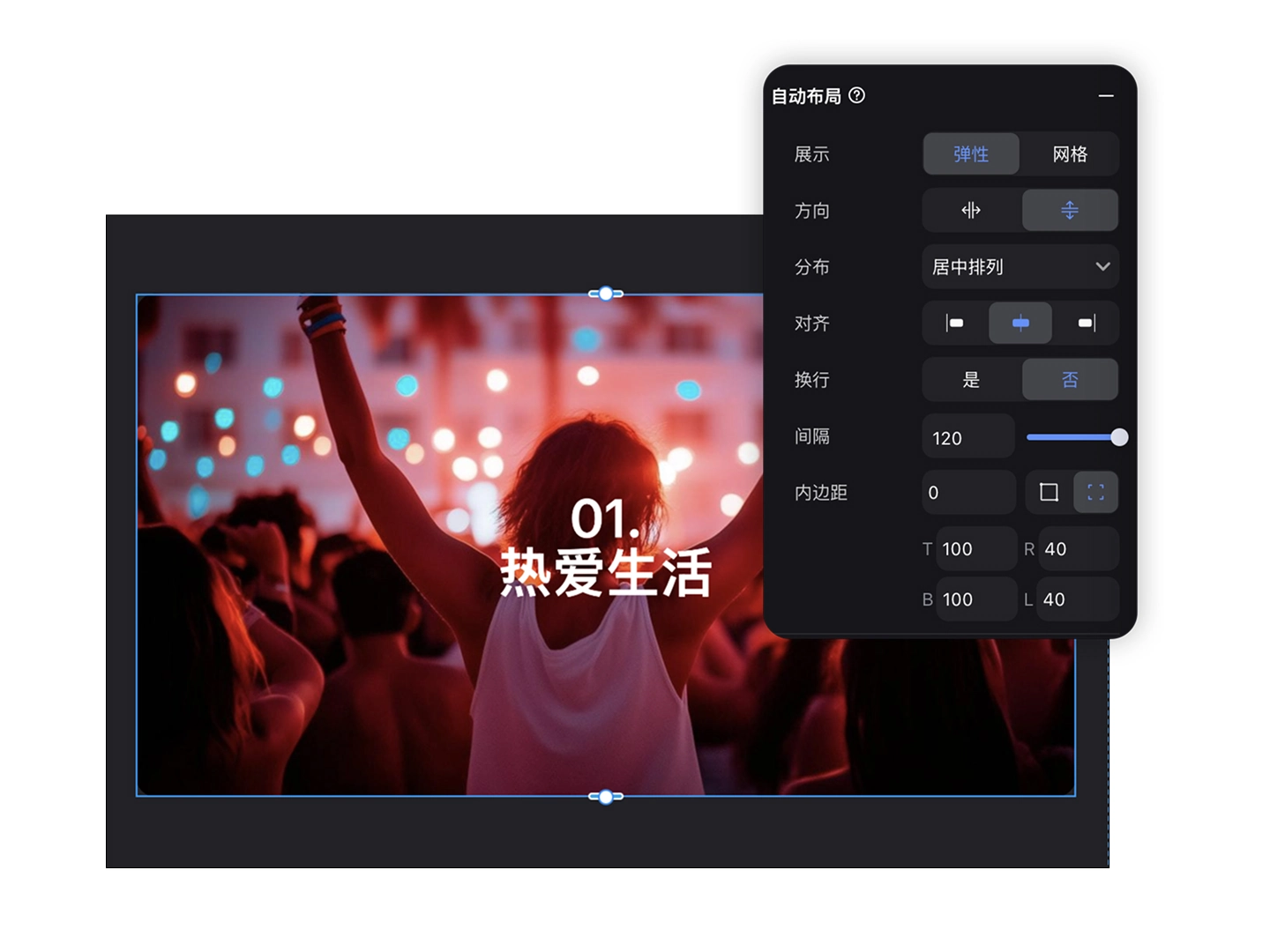
Learn how to use flexbox layouts in Creght through practical examples
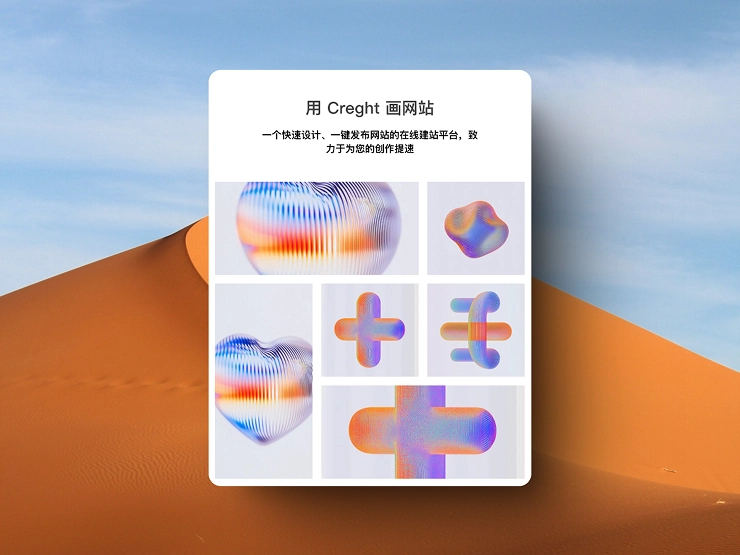
Learn how to use grid layouts in Creght through practical examples
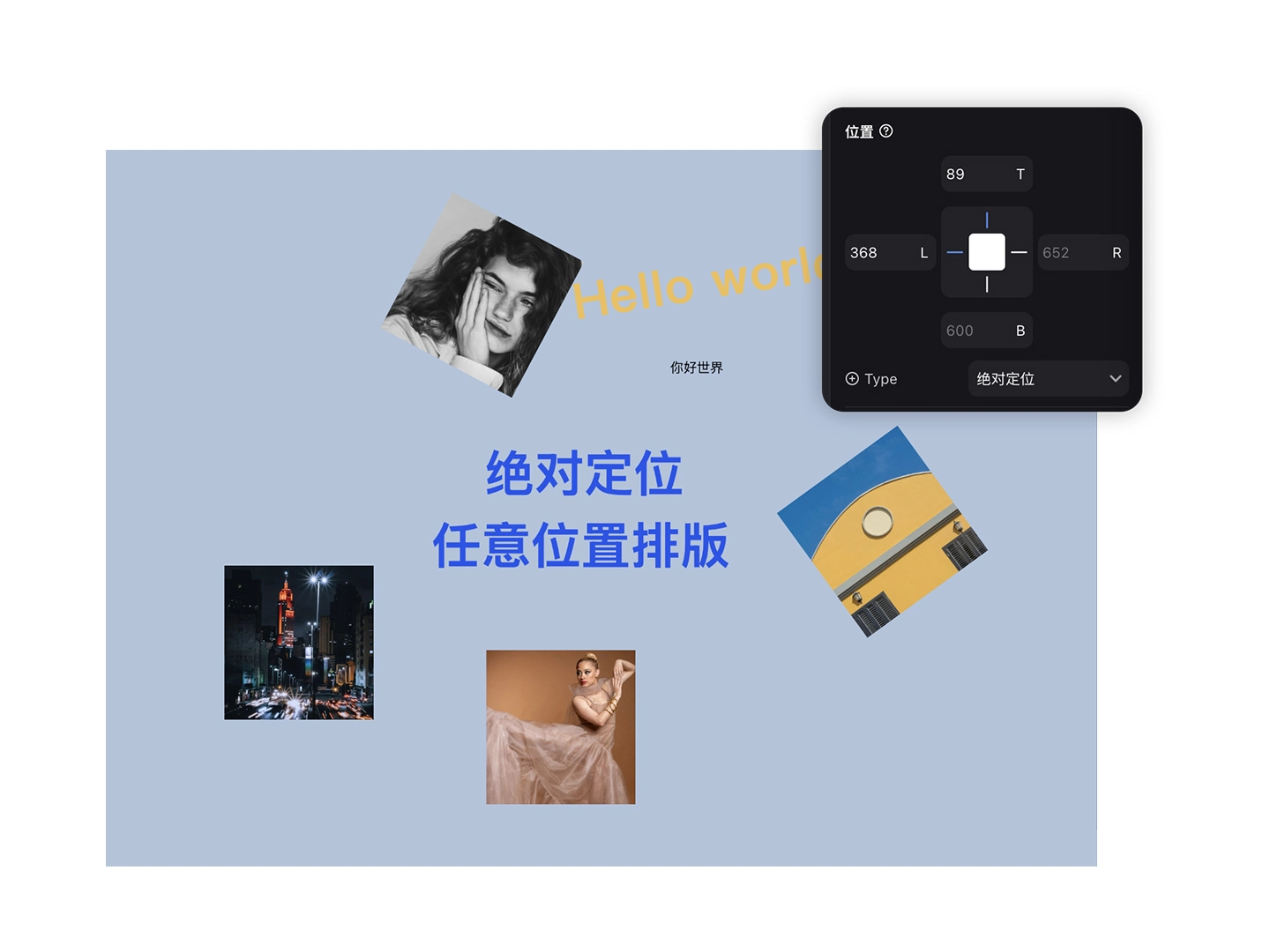
Learn how to use relative and absolute positioning
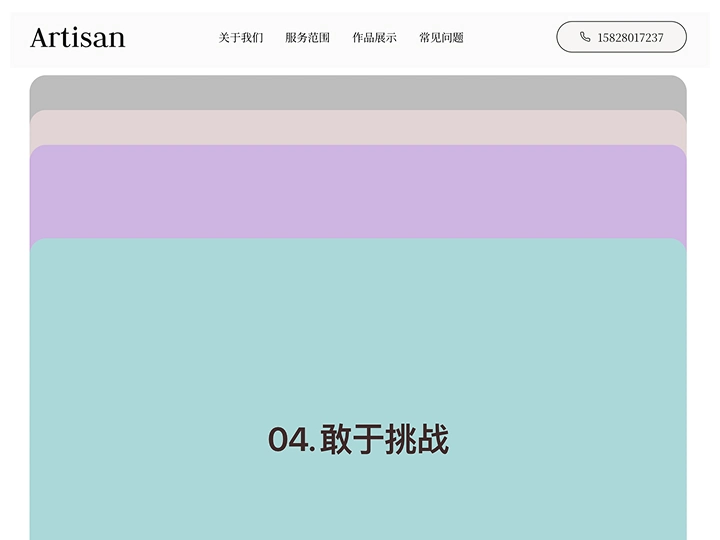
Learn how to use fixed and sticky positioning
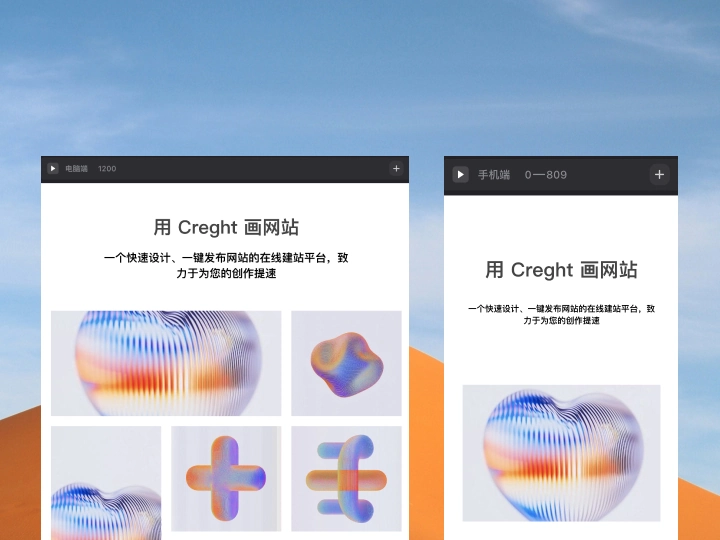
Learn what breakpoints are, how they work, and how to use them
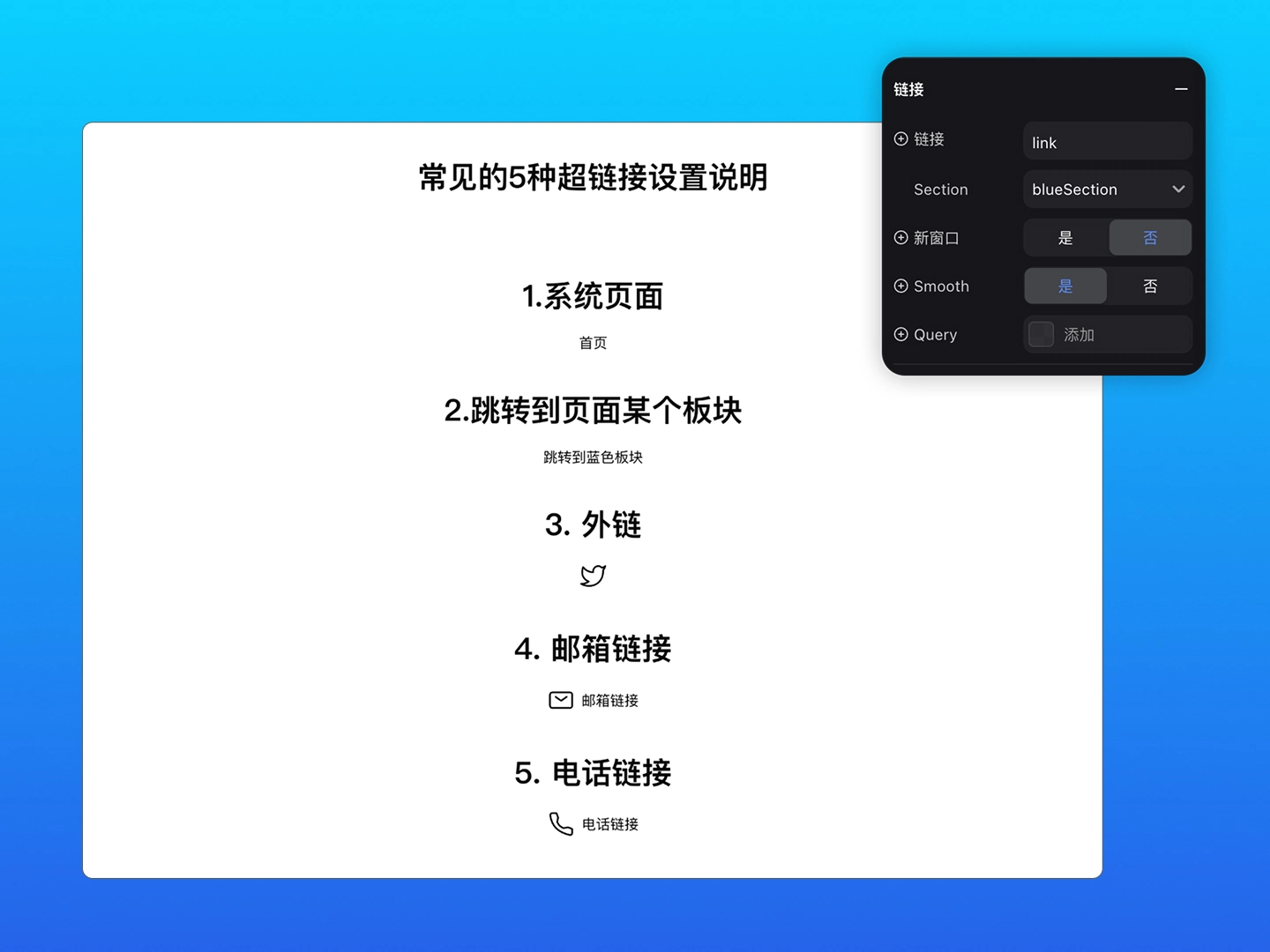
Five common ways to configure links

Learn the two drag-and-drop behaviors in Creght

Use an Overlay with relative positioning to create a dropdown menu

Use an Overlay with absolute positioning to create a modal
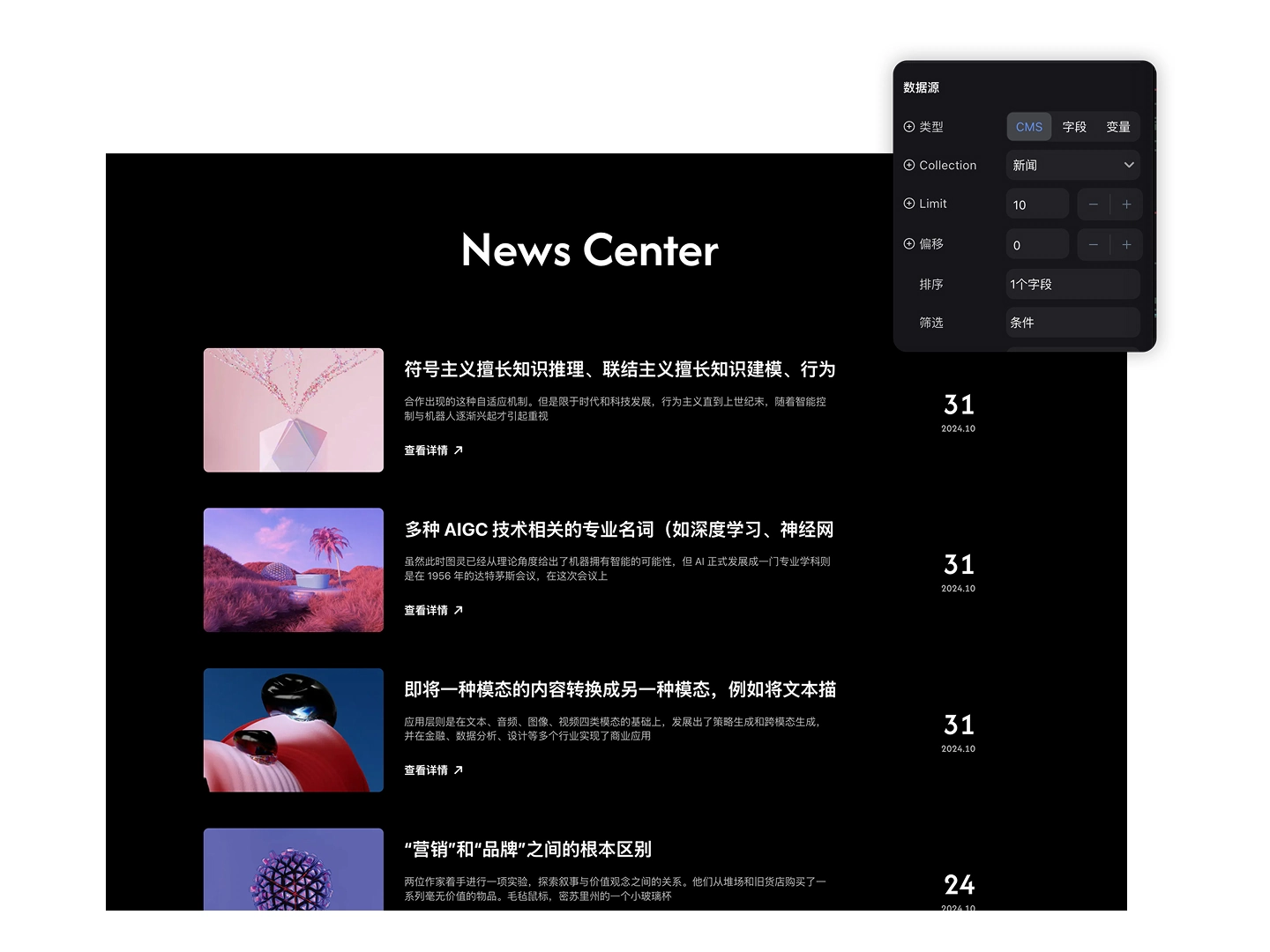
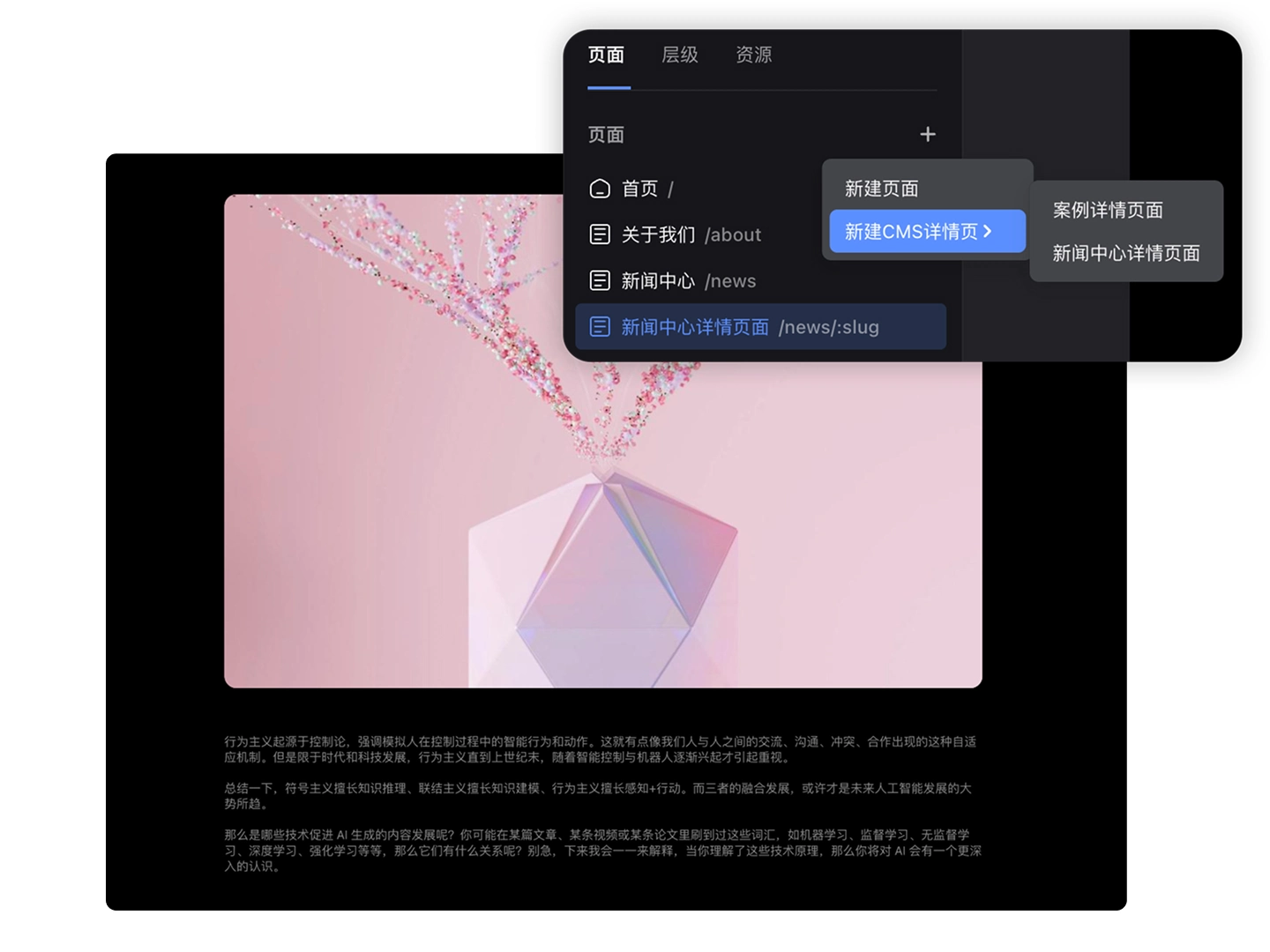
Build dynamic content-management scenarios and applications.
Learn the fundamentals and practical uses of Creght components.
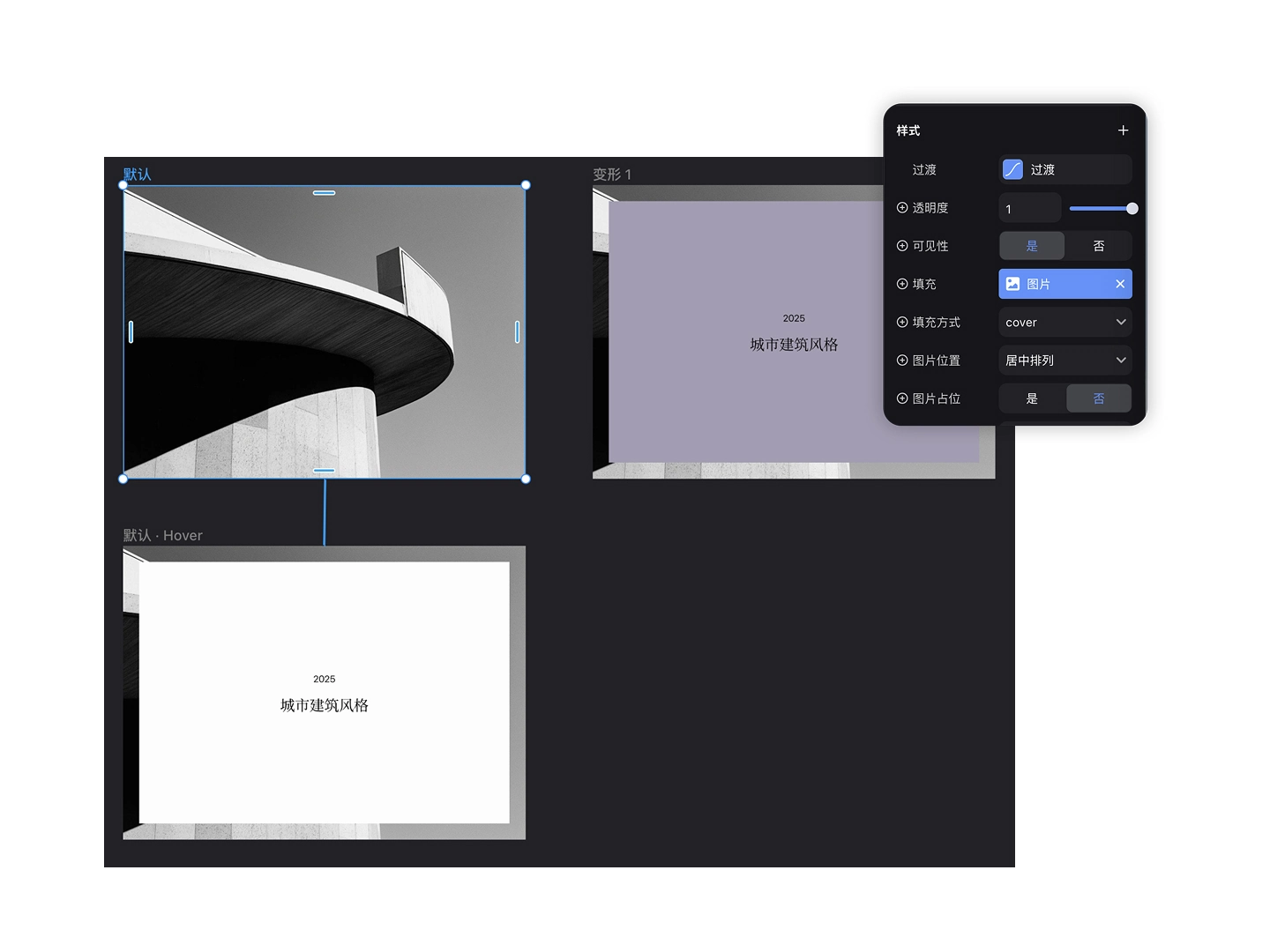
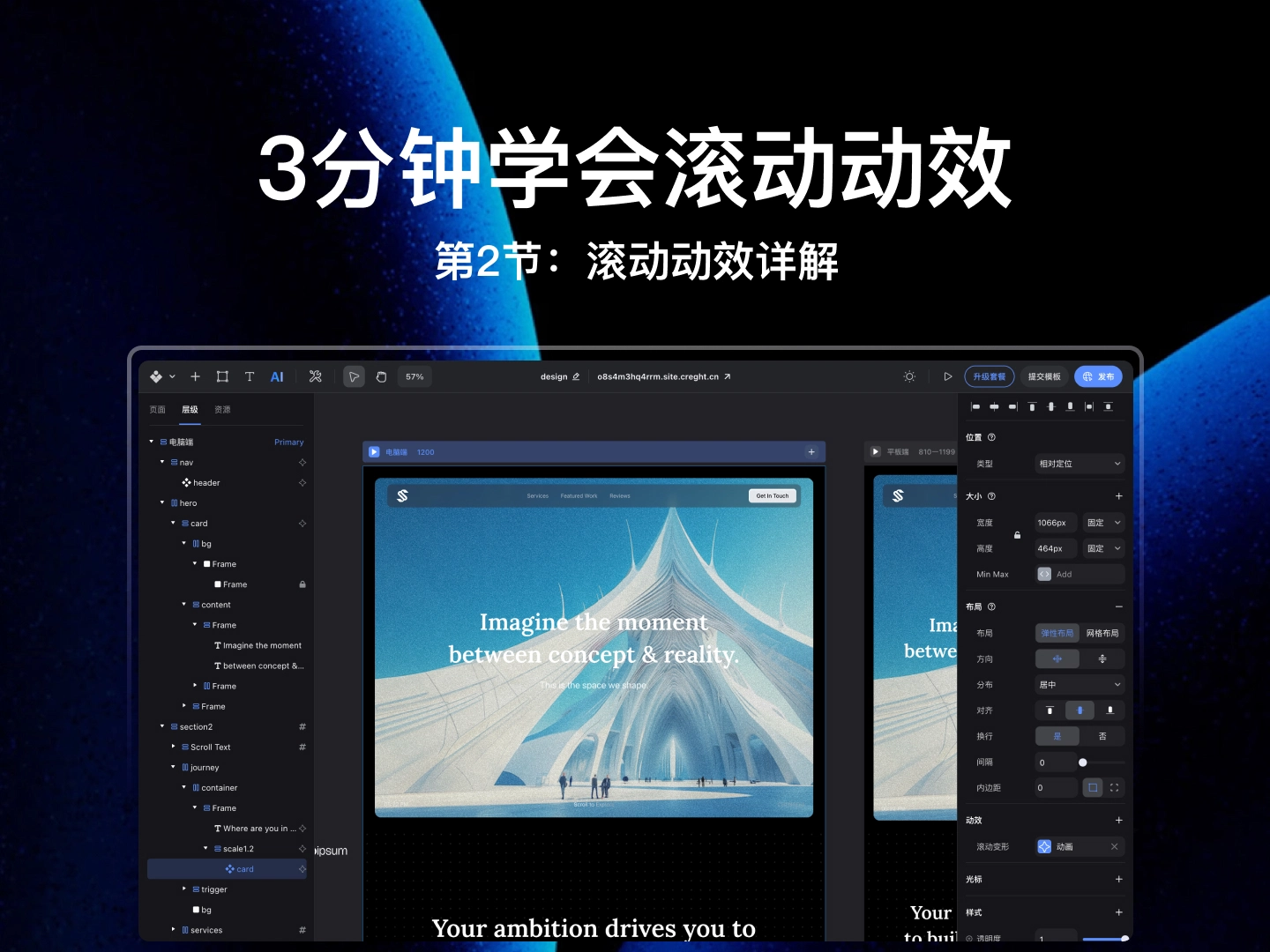
Learn Creght animations and make your website more engaging.
Turn Figma designs into real, interactive websites in one step.

Master three core guidelines for generating responsive layouts quickly

Publish in one click with the Figma to Creght plugin

Use a custom component to create a button hover effect

Use a component-based approach to design responsive navigation once and adapt it across devices

Build a clickable FAQ accordion that expands and collapses
Learn how to customize and work with existing templates.

Answers to common questions about building from a template

Learn how to use the template and complete common edits

Learn how to use the template and manage portfolio content with CMS
Build a complete website with Creght. More videos are on the way.
Render diagnostics