
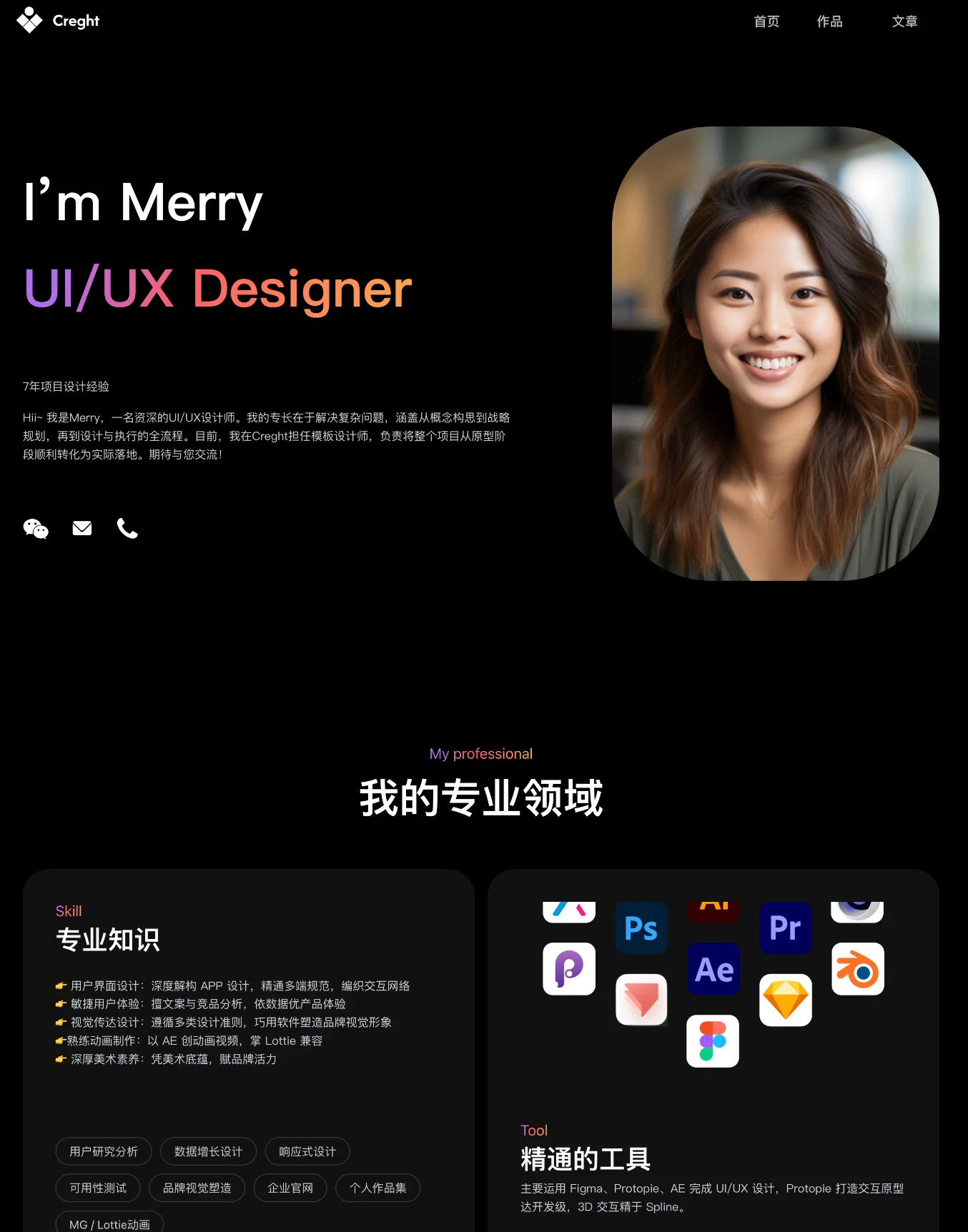
UI/UX Design Portfolio
A dark UI/UX designer site with purple-pink gradients. Expertise, tools, work and articles — Chinese copy, aimed at job seekers.
The demo is a real published Creght site. Content is placeholder.
Included pages (3)
All built and responsive. Add, remove or rename them after generating.
- Home
- Introduction, areas of expertise and tool stack
- Works
- Project list
- Articles
- Writing on design
Sections on the home page
Rewrite any section with AI, or edit text and images on the canvas.
- Areas of expertise
- Tools I work in
- Selected work
- Writing
Live preview
The real published site, embedded below. Scroll and click around inside it.
Is this template right for you?
A good fit for
- UI/UX and interaction designers job hunting
- People whose tool stack and expertise are the main pitch
- Designers who write and need an articles section
Probably not for
- Designers whose work is image-led; this template leans on text
- People applying in English — the copy is Chinese-first
- Newcomers who cannot yet articulate an area of expertise
Common questions
Can I still edit the site after generating it from a template?
Yes. You can keep talking to the AI, or click any element on the canvas and edit text, images and styles directly. Both act on the same site and write back to real code.
Do I need to write code?
No. Generating, editing and publishing all happen in the browser — no local dev environment, no build step. If you do write code, exporting the code is supported.
Can I connect my own domain?
Custom domains with automatic SSL are included in the Pro and Business plans. The free plan does not include a custom domain or SSL, but you can still generate, edit and publish on the system-provided address.
Can I switch to a different template later?
Templates cannot be switched after the fact — you would need to create a new site. So open the live demo first and see the real thing before choosing. If you have already purchased a plan, contact support for help.
How far can I get on the free plan?
New projects start on the free plan, which covers most capabilities — cloud functions, data tables, user accounts and payments — enough to run the whole flow end to end. Each has a usage cap, and custom domains, SSL, badge removal and code export are not included.
How long does generation take?
Usually 30 seconds to a minute; complex sites take longer. What you get is a complete site that works on desktop and mobile — not a mockup.
More in this category
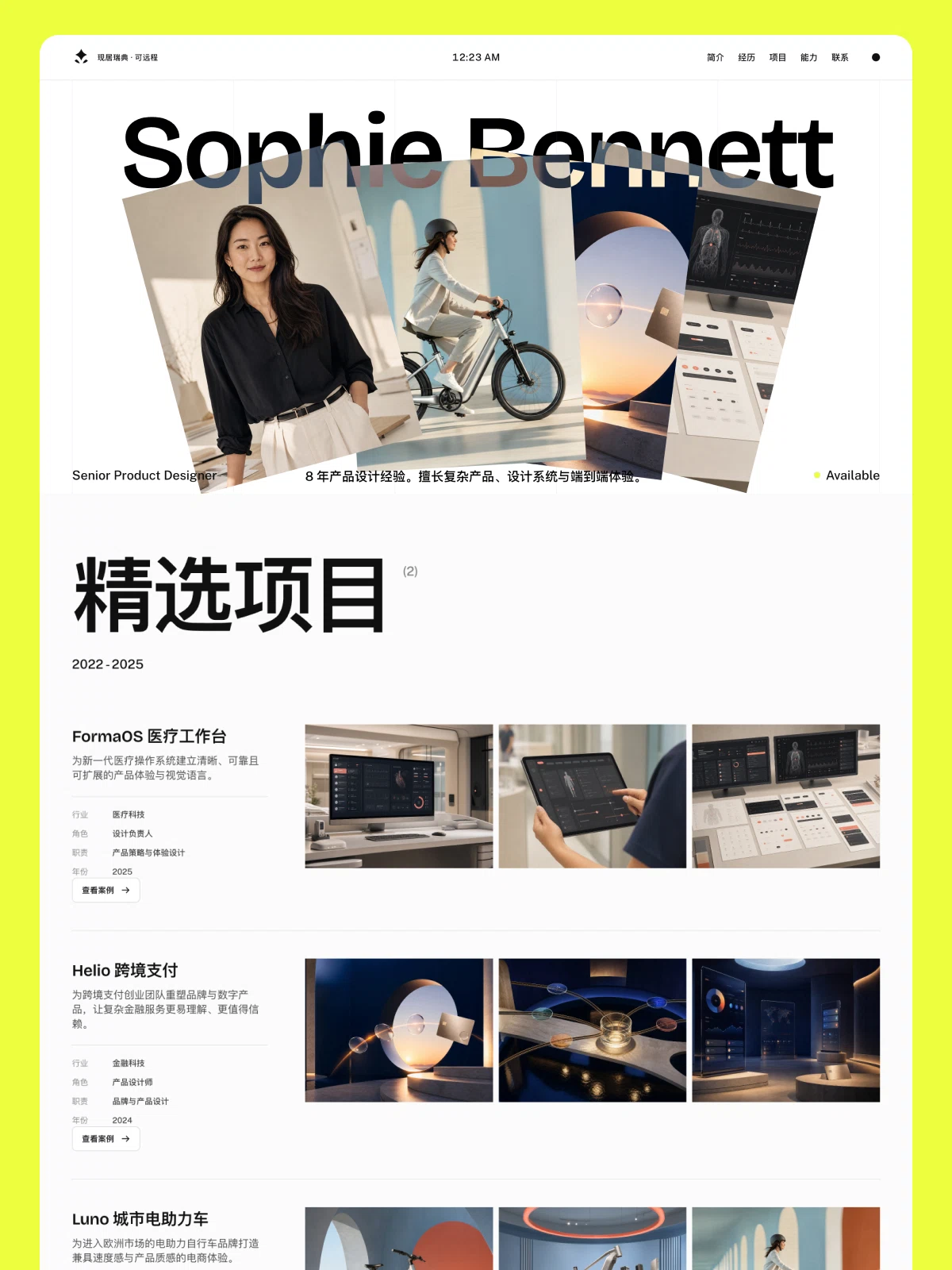
Product Designer Portfolio
A resume-style portfolio for product and UX designers. Includes profile, work history, selected projects, core skills, ways of working and peer testimonials — structured as a CV rather than an image gallery.
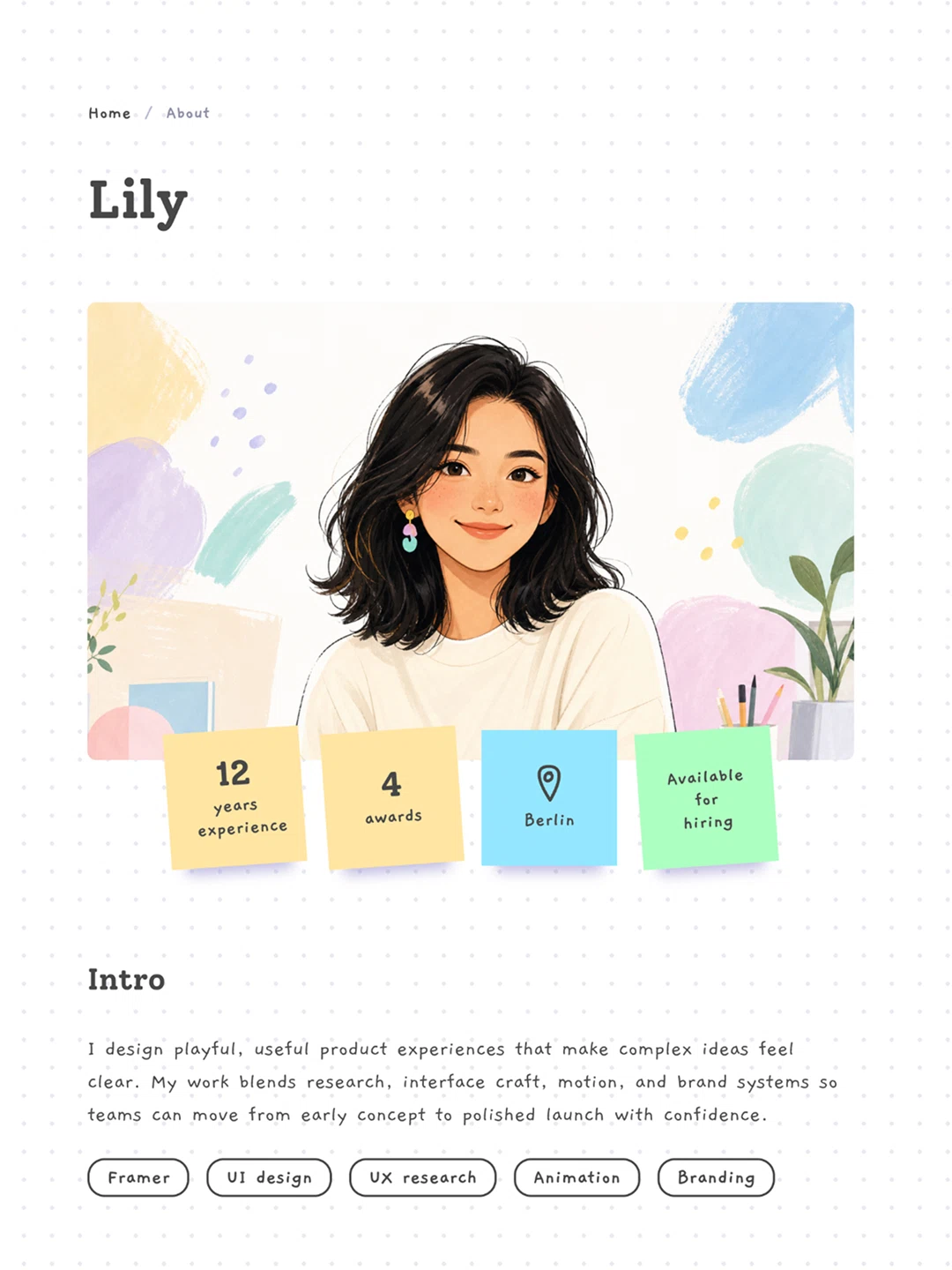
设计师个人网站
A bright, playful product designer portfolio. Just about, projects and contact — for getting online fast when you do not have much work yet.
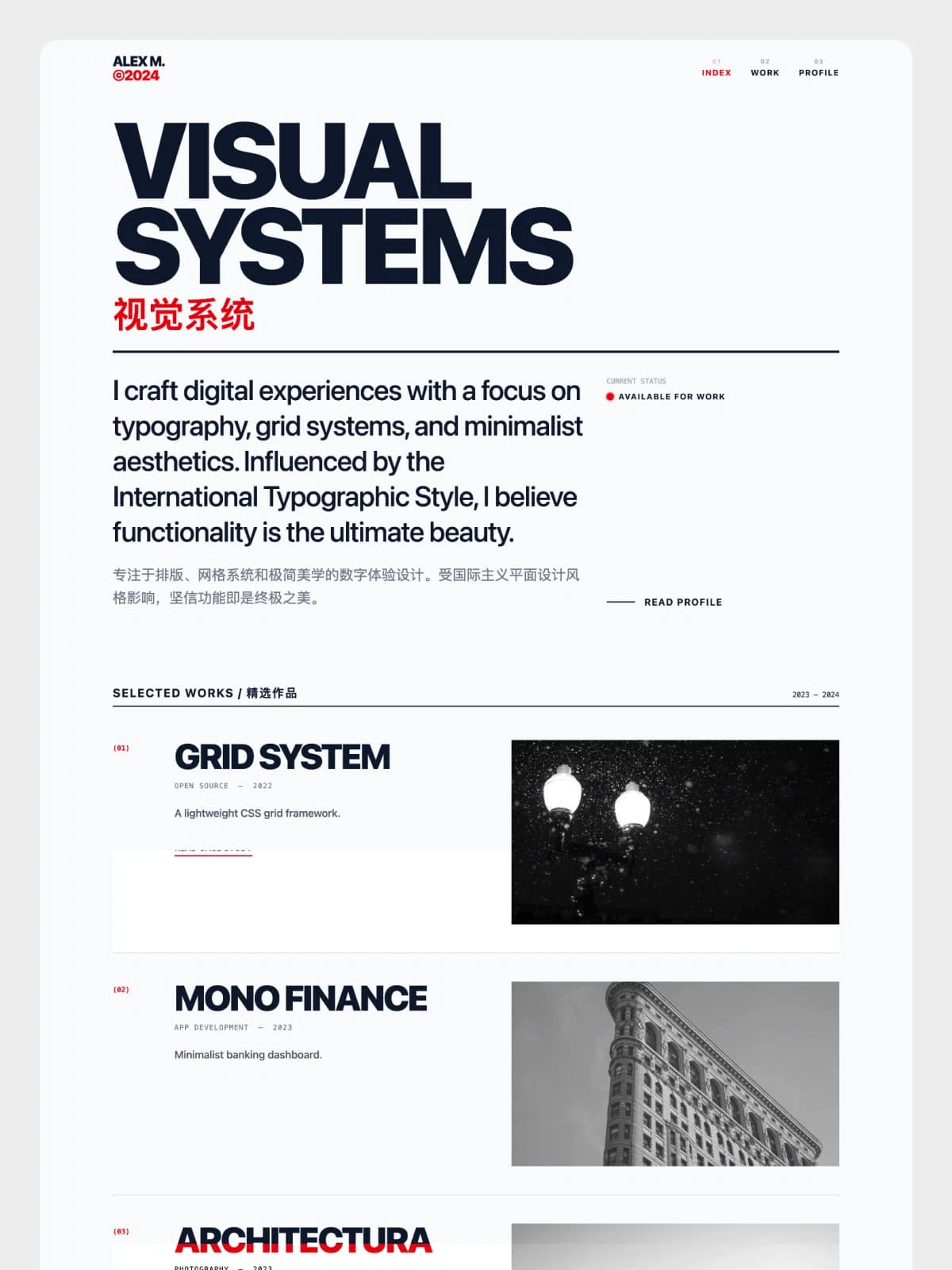
Swiss Folio
A Swiss-international style portfolio. Numbered navigation, a strict grid and a technical specifications section — for typography-led designers and creative developers.