
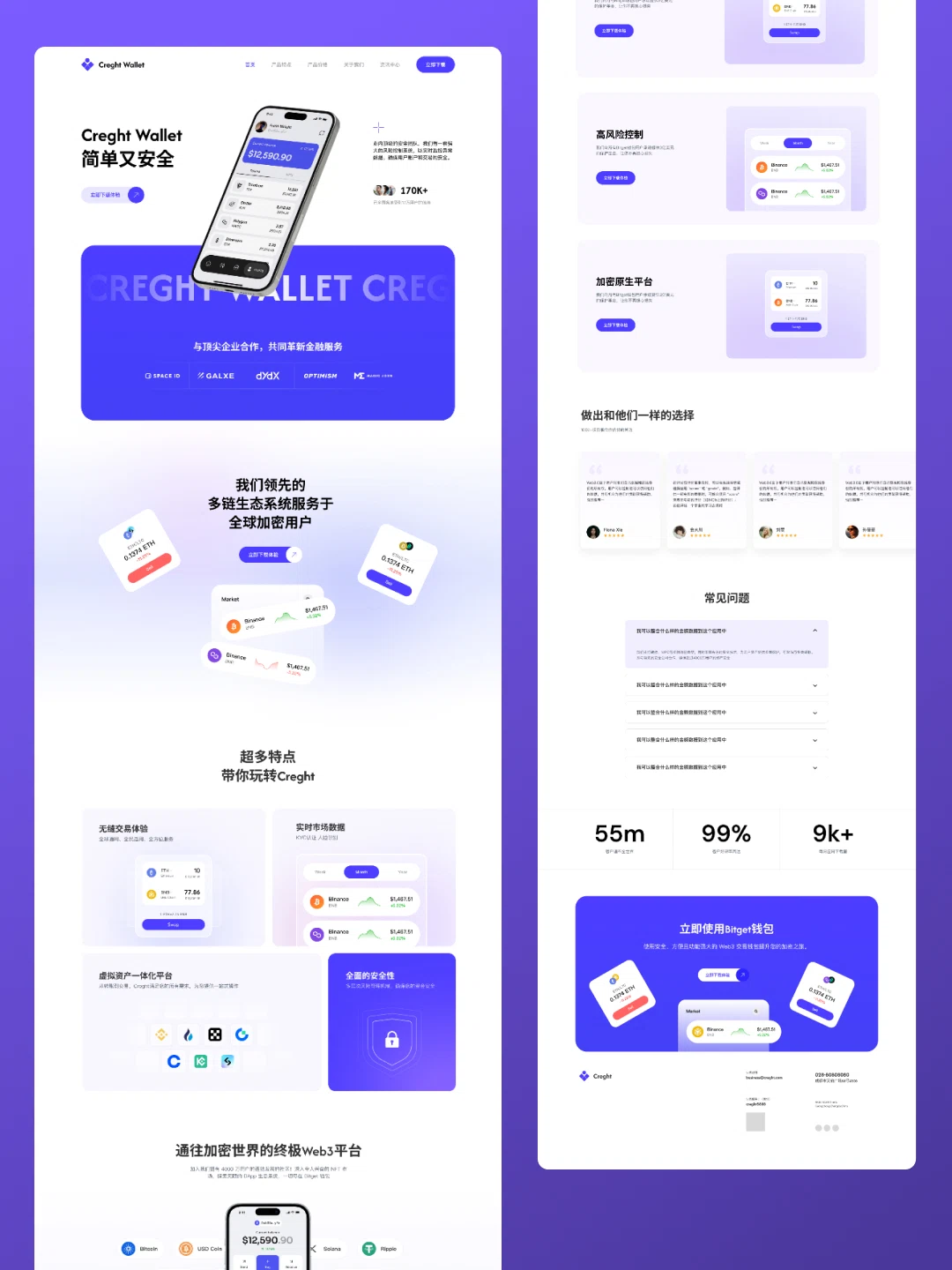
Cryptocurrency Website Templates
For Web3, multi-chain and crypto products. Ecosystem overview, features, pricing and news, with a tech-forward look.
The demo is a real published Creght site. Content is placeholder.
Included pages (5)
All built and responsive. Add, remove or rename them after generating.
- Home
- Multi-chain ecosystem and core capability
- Features
- Feature detail
- Pricing
- Plans and FAQ
- News
- Project updates
- About
- Team and project background
Sections on the home page
Rewrite any section with AI, or edit text and images on the canvas.
- A leading multi-chain ecosystem
- Serving crypto users worldwide
- Features
- How to use the platform
- Your gateway to Web3
Live preview
The real published site, embedded below. Scroll and click around inside it.
Is this template right for you?
A good fit for
- Web3, DeFi and multi-chain tooling projects
- Products that must cover ecosystem, features and pricing together
- Crypto projects wanting a tech-forward look
Probably not for
- Apps needing wallet connection and on-chain interaction — this is a presentational site
- Traditional financial institutions; the style will not fit
- Projects under compliance constraints; review the copy for yield claims
Common questions
Can I still edit the site after generating it from a template?
Yes. You can keep talking to the AI, or click any element on the canvas and edit text, images and styles directly. Both act on the same site and write back to real code.
Do I need to write code?
No. Generating, editing and publishing all happen in the browser — no local dev environment, no build step. If you do write code, exporting the code is supported.
Can I connect my own domain?
Custom domains with automatic SSL are included in the Pro and Business plans. The free plan does not include a custom domain or SSL, but you can still generate, edit and publish on the system-provided address.
Can I switch to a different template later?
Templates cannot be switched after the fact — you would need to create a new site. So open the live demo first and see the real thing before choosing. If you have already purchased a plan, contact support for help.
How far can I get on the free plan?
New projects start on the free plan, which covers most capabilities — cloud functions, data tables, user accounts and payments — enough to run the whole flow end to end. Each has a usage cap, and custom domains, SSL, badge removal and code export are not included.
How long does generation take?
Usually 30 seconds to a minute; complex sites take longer. What you get is a complete site that works on desktop and mobile — not a mockup.
More in this category
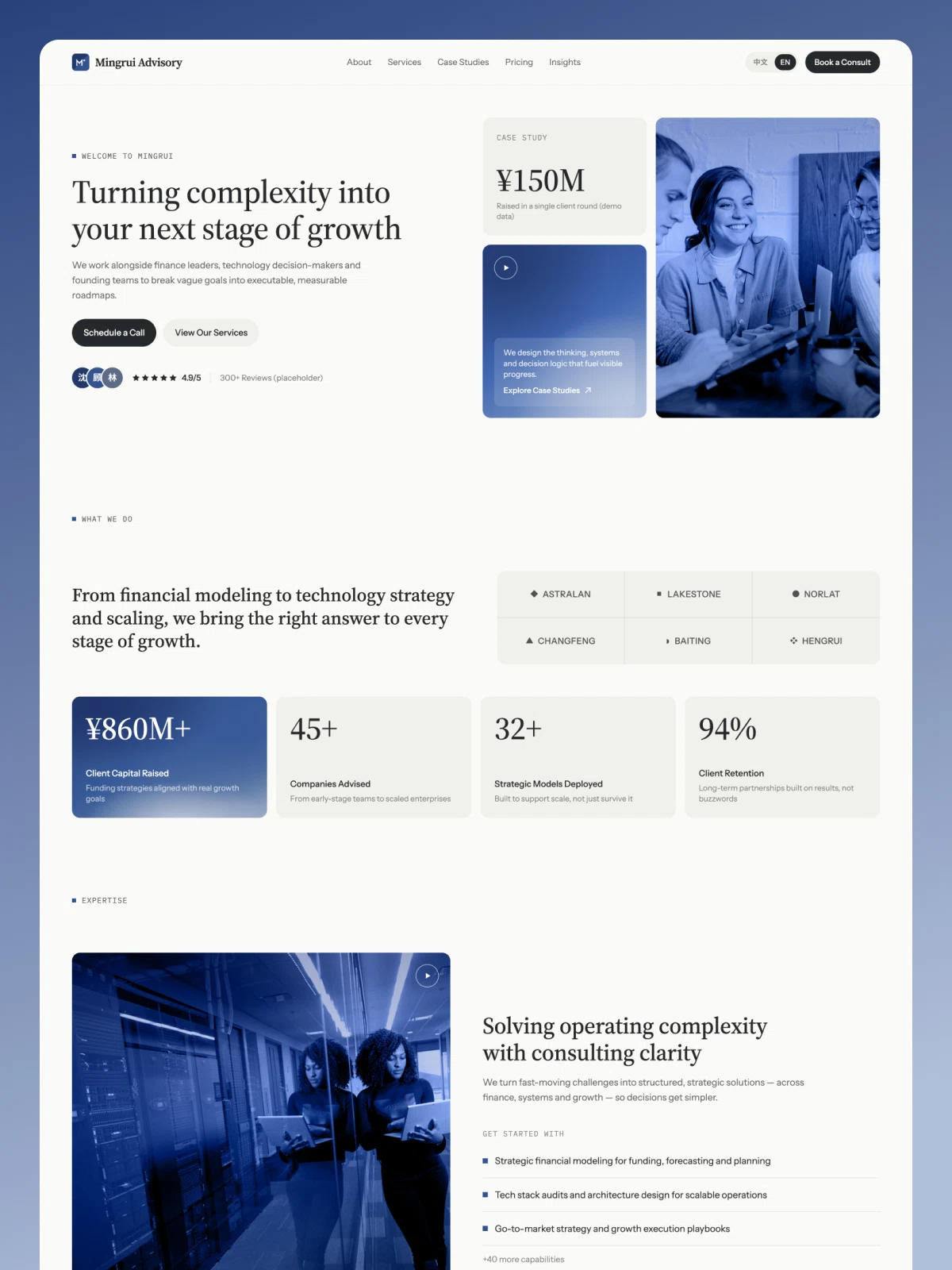
Growth-Stage Strategy & Financial Advisory Website
For financial, strategy and management advisory firms. Services, client cases, pricing, insight articles and a consultation booking form, in both Chinese and English.
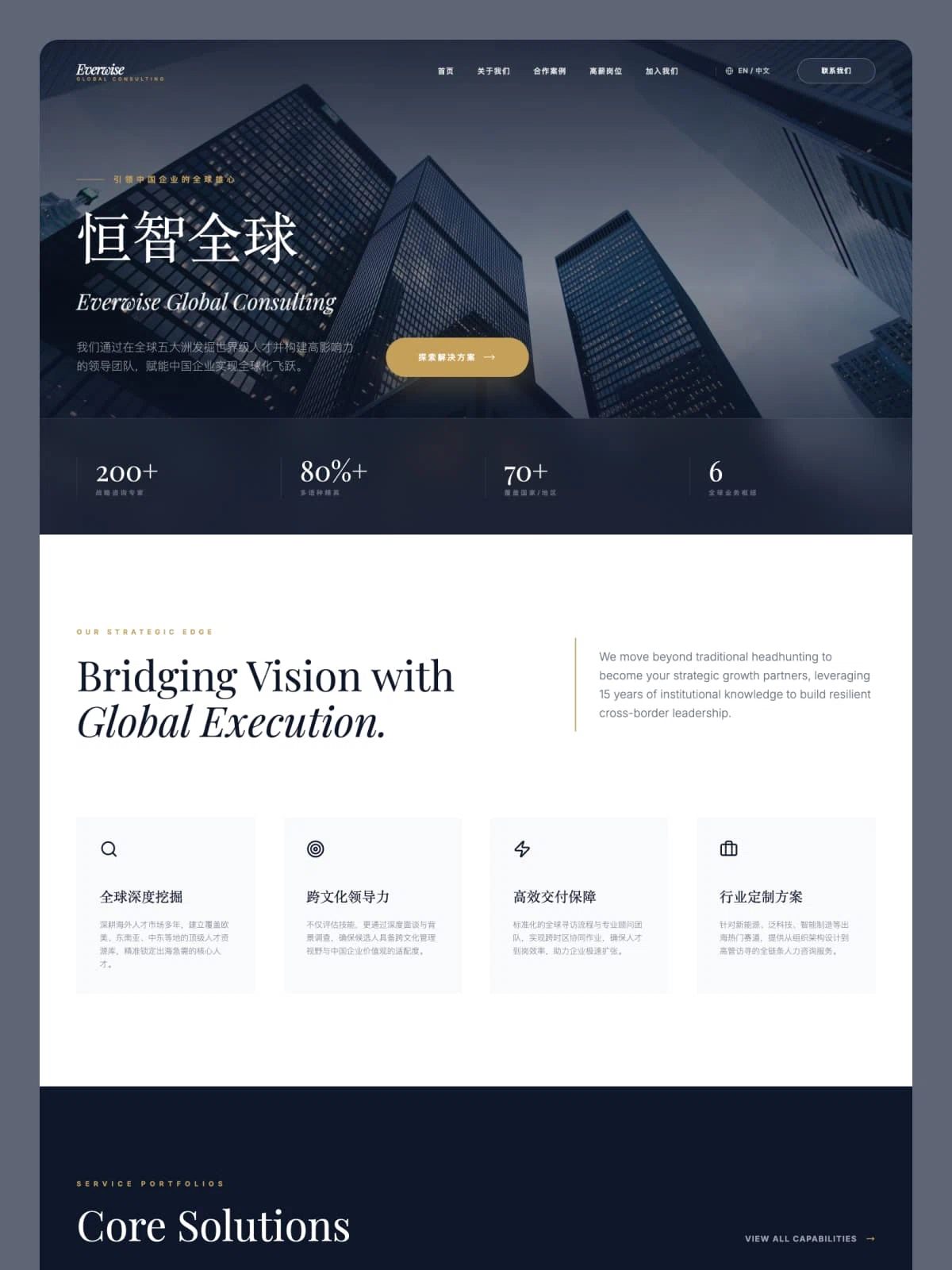
咨询公司官网
For executive search, organisational and go-global consulting. Cases, open roles and careers — combining business development and recruiting in one site.