
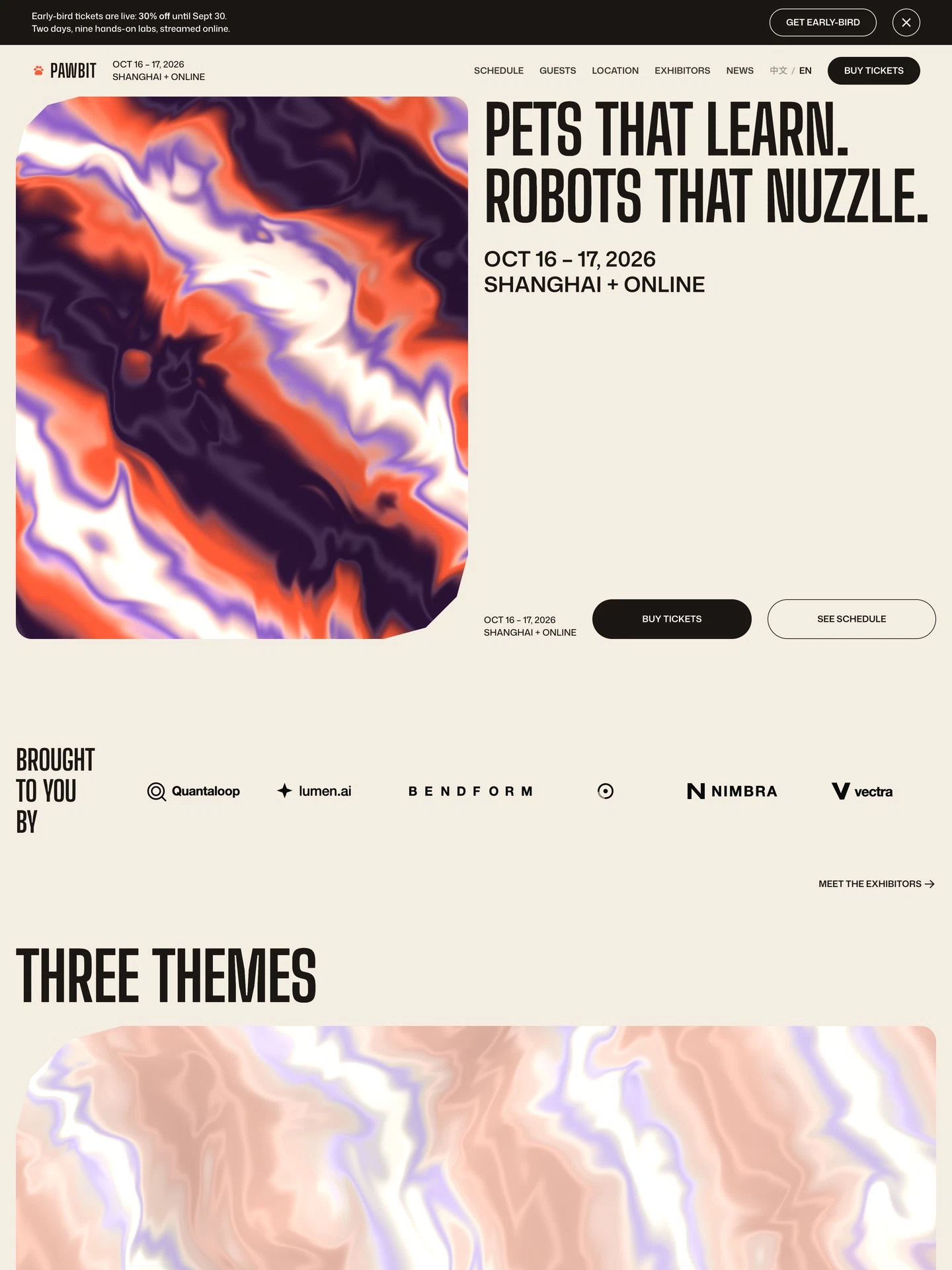
AI Tech Expo Website
For multi-day tech expos with speakers and exhibitors. A day-by-day schedule, speaker and brand profiles, venue and online access, news and a ticket-enquiry form — in Chinese and English.
The demo is a real published Creght site. Content is placeholder.
Included pages (8)
All built and responsive. Add, remove or rename them after generating.
- Home
- Opens on the three themes and runs through to tickets
- Schedule
- Two days of talks, hands-on labs and panels
- Guests
- Seven speaker profiles managed in CMS
- Location
- Venue, travel and lodging, plus the online hall
- Exhibitors
- The exhibitor wall and a profile for each brand
- News
- Expo updates with detail and category pages
- Contact
- Ticket and partnership enquiry form
- Legal
- Privacy, ticket terms, code of conduct and photo credits
Sections on the home page
Rewrite any section with AI, or edit text and images on the canvas.
- Pets that learn, robots that nuzzle
- Brought to you by
- Three themes
- Train a robot pet yourself
- Online + in-person
- Take home a pet that learns you
Live preview
The real published site, embedded below. Scroll and click around inside it.
Is this template right for you?
A good fit for
- Tech expos and trade shows with a speaker programme, exhibitors and hands-on sessions
- Organisers who need to court exhibitors and sell tickets in Chinese and English at once
- Teams who want to edit schedule, speakers and exhibitors themselves in the CMS
Probably not for
- Ticketing sites with seat selection and checkout — this template has an enquiry form, no payment
- A single one-hour webinar or livestream — use landing-page instead
- Academic conferences built around paper submission, peer review and registration systems
Common questions
Can I still edit the site after generating it from a template?
Yes. You can keep talking to the AI, or click any element on the canvas and edit text, images and styles directly. Both act on the same site and write back to real code.
Do I need to write code?
No. Generating, editing and publishing all happen in the browser — no local dev environment, no build step. If you do write code, exporting the code is supported.
Can I connect my own domain?
Custom domains with automatic SSL are included in the Pro and Max plans. The free plan does not include a custom domain or SSL, but you can still generate, edit and publish on the system-provided address.
Can I switch to a different template later?
Templates cannot be switched after the fact — you would need to create a new site. So open the live demo first and see the real thing before choosing. If you have already purchased a plan, contact support for help.
How far can I get on the free plan?
New projects start on the free plan, which covers most capabilities — cloud functions, data tables, user accounts and payments — enough to run the whole flow end to end. Each has a usage cap, and custom domains, SSL, badge removal and code export are not included.
How long does generation take?
Usually one to five minutes; complex sites take longer. What you get is a complete site that works on desktop and mobile — not a mockup.
More in this category
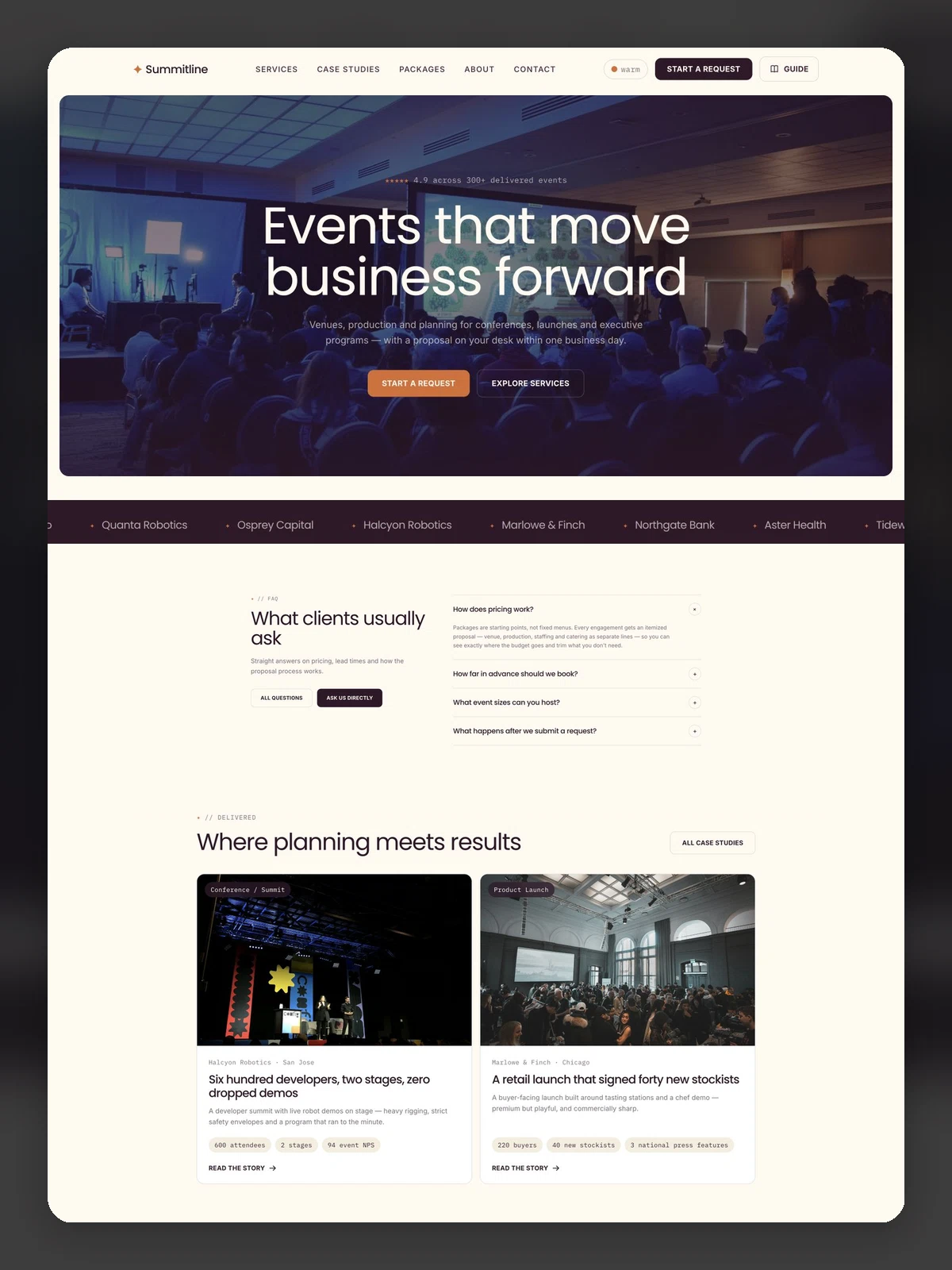
Corporate Event Planning & Production Website
For event planning and production agencies. Services, cases, packages, a delivery guide and a structured RFP form — the most complete workflow of its kind here.
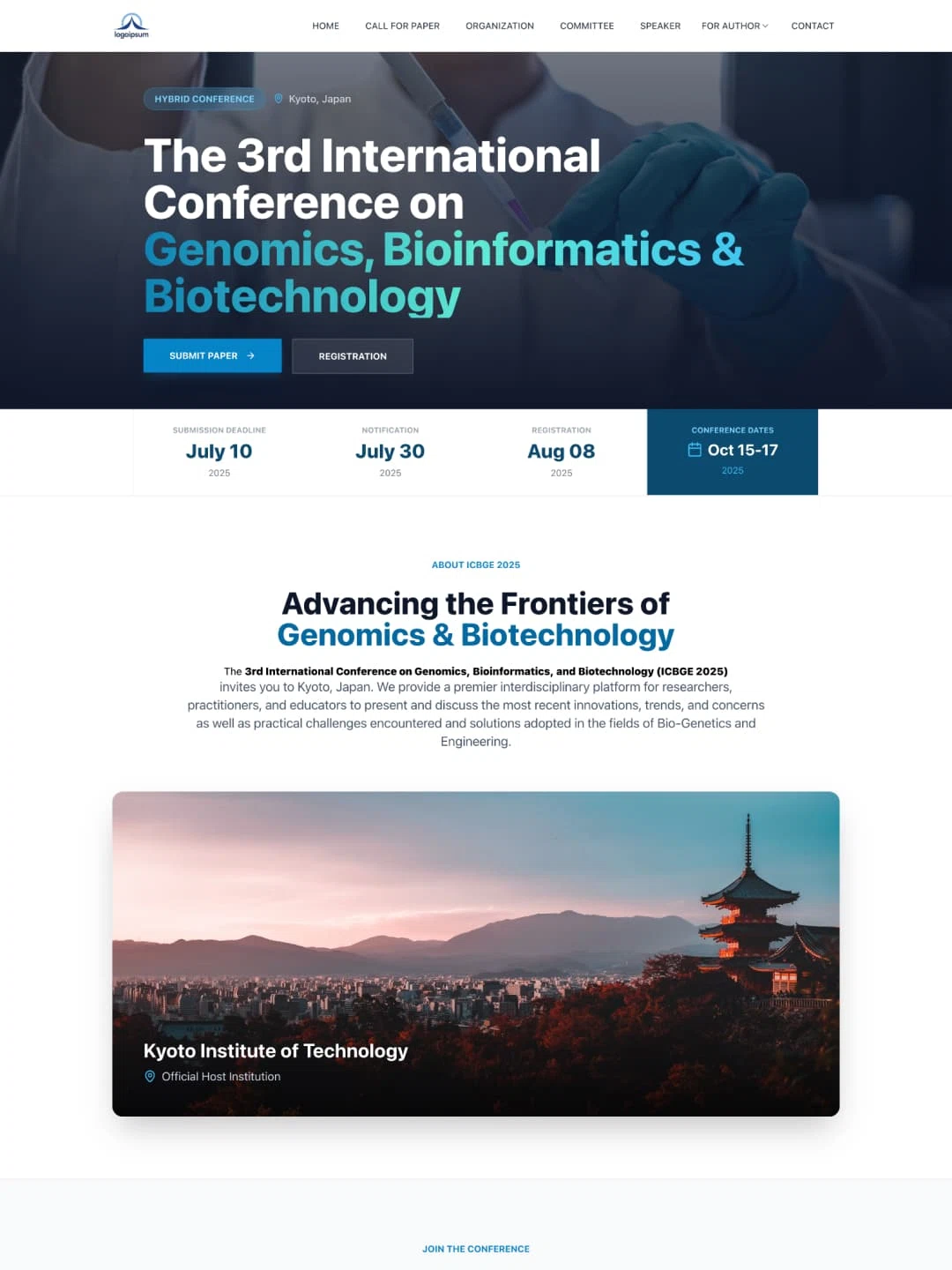
International Conference & Proceedings
For academic conferences, leaner than conference-event. Committee, speakers, call for papers, registration and contact.
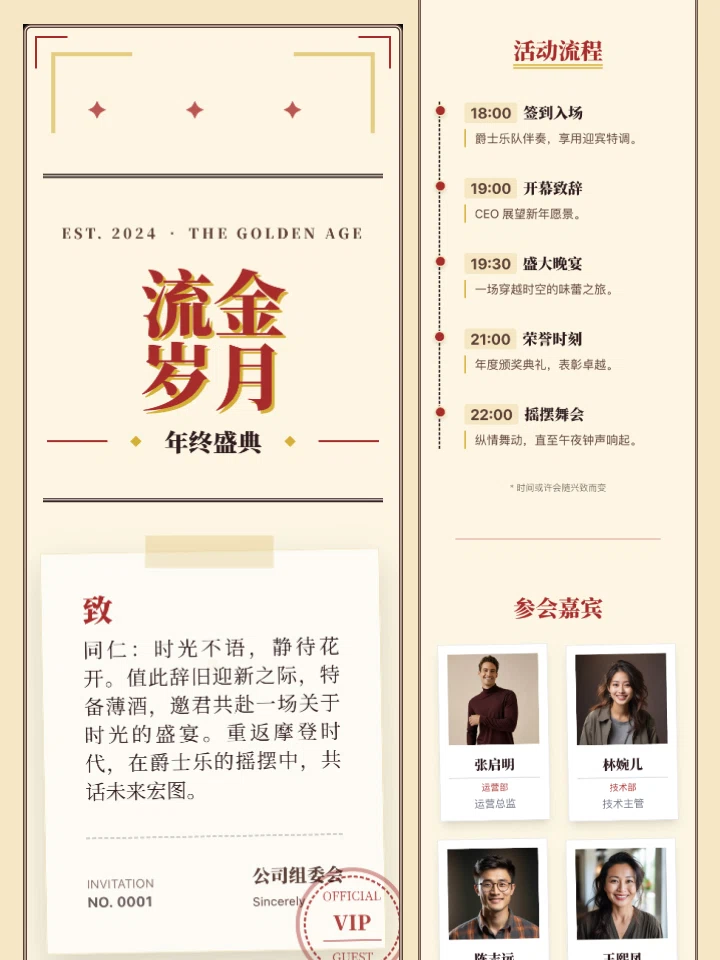
Year-End Gala Mobile Landing Page
A mobile-first H5 page for annual meetings and corporate events. Single vertical page with schedule, guests and contact — made for sharing in chat.